



PVACreator 2026 Full Setup Guide: Proxies, SMS, Gmail Creation & Multi-Platform Account Creation
Introduction
Why Account Creation Feels Harder in 2026
In 2026, creating accounts on platforms like Instagram, Gmail, TikTok, and YouTube has become significantly more complex than it used to be. Users are no longer just filling out a form and confirming an email. Instead, they are facing QR verification, stricter SMS filtering, IP reputation checks, and advanced device fingerprinting systems.
Because of this, many beginners assume the tool they are using is broken — when in reality, the problem usually comes from missing infrastructure components such as proxies, SMS routing, or proper setup flow.
This guide is designed to remove that confusion completely.
We will walk through the full PVACreator ecosystem — including proxies, SMS services, Gmail creation flow, Instagram/TikTok setup, and troubleshooting common issues like QR code verification failures.
Understanding the PVACreator System
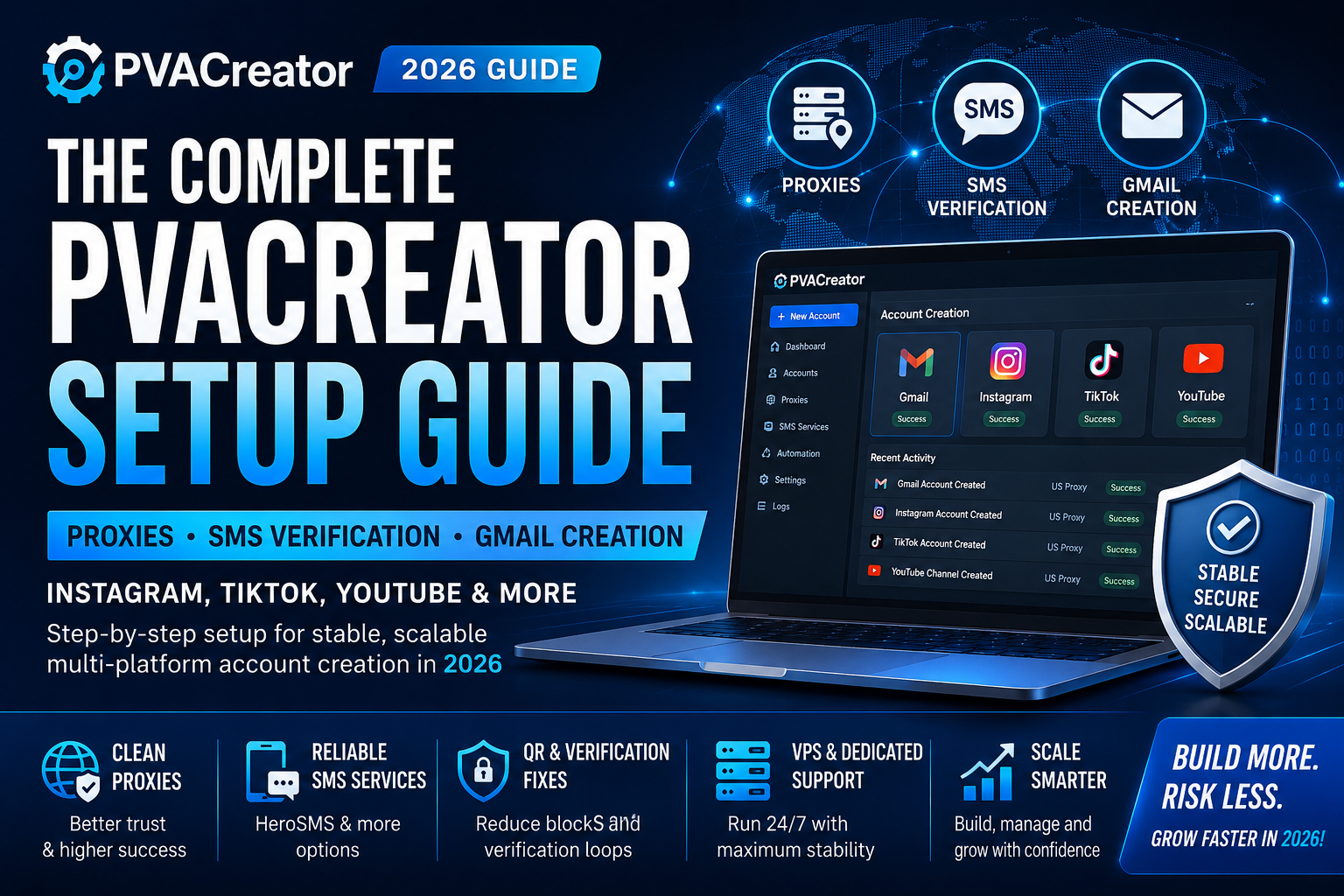
PVACreator is not just a single-click account generator. It is a structured automation environment designed to simulate real user behavior across multiple platforms.
To function properly, it relies on three core layers:
- Network Layer (Proxies)
- Verification Layer (SMS / Email / 2FA systems)
- Execution Layer (Account creation workflow engine)
If any of these layers are missing or misconfigured, account creation success rates drop significantly.
Why Accounts Fail in 2026 (Most Common Reasons)
Before diving into setup, it is important to understand why failures happen.
1. QR Code Verification Loops
Many users in regions like Brazil, Southeast Asia, and parts of Africa report QR verification prompts during Gmail or social account creation.
This is usually caused by:
- Reused IP addresses
- Suspicious device fingerprints
- Missing proxy isolation
- High-volume creation from same environment
2. SMS Code Not Arriving
SMS verification has become more selective due to carrier filtering and anti-bot detection.
Common reasons:
- Country mismatch (some regions are blocked or delayed)
- Temporary SMS provider downtime
- High-risk IP triggering fallback verification
- Overused number pools
3. IP Reputation Problems
Even if everything else is correct, bad IP reputation can trigger:
- instant verification loops
- account lockouts
- forced manual verification
Do You Need Proxies for PVACreator?
Yes — proxies are not optional in modern account creation workflows.
A proxy acts as your digital identity layer. Without it, all account creation attempts appear to come from a single source, which is flagged quickly by platform security systems.
Why proxies are essential:
- They isolate each account session
- They simulate different real-world users
- They prevent mass detection patterns
- They improve SMS success rates indirectly
Recommended proxy types:
- Residential proxies (highest trust level)
- Farming or aged IP proxies (stable for scaling)
- Dedicated IP setups for long-term accounts
Avoid:
- Free proxies
- Datacenter IPs for high-volume creation
- Shared low-quality proxy pools
SMS Verification in PVACreator (2026 Update)
SMS verification remains a core part of Gmail and social account creation workflows.
PVACreator supports multiple SMS routing providers depending on availability and region.
Common SMS Providers Used:
- HeroSMS (hero-sms.com)
- Regional fallback SMS services
- Country-based number pools (US, EU, etc.)
Key insight:
SMS success rate is not fixed. It depends on:
- IP quality
- selected country
- platform behavior detection
- timing and retry logic
For example, US-based numbers tend to have higher success rates for Gmail verification in many cases.
Gmail Creation Workflow (Step-by-Step)
Gmail creation is often the foundation for all other platforms (Instagram, TikTok, YouTube).
Here is the simplified workflow used inside PVACreator systems:
Step 1: Prepare Environment
- Launch PVACreator on Windows VPS or dedicated server
- Load clean proxy per session
Step 2: Choose Gmail QR Code Bypass Version
- Select Gmail QR Code Bypass Version
- Configure settings
Step 3: SMS Verification Setup
- Select SMS provider (e.g., HeroSMS)
- Choose country number (recommended: US or stable EU region)
Step 4: Account Generation Flow
- Enter basic profile data
- Trigger Gmail registration process
- Wait for verification prompt
Step 5: Verification Completion
- Receive SMS code (if successful)
- Complete Gmail setup
- Save credentials securely
Step 6: Account Output
Each account is stored with:
- Password
- Recovery email (if enabled)
- 2FA configuration (if used)
Instagram, TikTok, and YouTube Setup Flow
Once Gmail accounts are created, they can be used as foundation identities for social platforms.
Instagram Setup:
- Connect proxy
- Use fresh Gmail account
- Register Instagram account
- Complete phone/email verification if required
- Warm up account before automation
TikTok Setup:
- Use clean proxy session
- Register via email or Gmail login
- Avoid aggressive actions immediately after creation
- Let account age before scaling activity
YouTube Setup:
- Log in using Gmail account
- Set up channel identity
- Avoid mass actions immediately after login
- Gradually build engagement history
Why VPS or Dedicated Servers Are Recommended
Running PVACreator locally is possible, but not ideal for scaling.
VPS benefits:
- 24/7 operation
- Stable environment
- Reduced downtime
- Easier proxy isolation
Dedicated servers:
- Best for high-volume operations
- Supports multi-instance workflows
- Better long-term stability
Phone Numbers vs SMS Services
Users often ask whether physical numbers are better than SMS services.
SMS services:
- Fast
- Scalable
- Easy automation integration
Physical numbers:
- Higher trust score
- Better long-term account stability
- Slower scaling process
Best strategy:
Use a hybrid approach depending on goal:
- SMS services for volume
- Physical numbers for high-value accounts
Troubleshooting Common Issues
Issue: SMS not arriving
- Change provider
- Switch country (try US)
- Restart session with new proxy
Issue: QR verification loop
- Replace proxy immediately
- Clear session fingerprints
- Use fresh IP environment
Issue: Account instantly locked
- Avoid repeated patterns
- Reduce creation speed
- Improve proxy quality
Best Practice Stack for 2026
For stable results, most users combine:
- PVACreator system
- Residential proxies
- HeroSMS or backup SMS providers
- Windows VPS or dedicated server
- Account storage + tracking system
This combination creates a balanced environment between automation speed and platform trust signals.
Conclusion
PVACreator is not just an account creation tool — it is an ecosystem. The success of any campaign depends less on the software itself and more on how the environment is built around it.
When proxies, SMS routing, and system setup are properly aligned, users move from inconsistent results to stable, repeatable account creation workflows across multiple platforms.
In 2026, the winners are not those who “click faster,” but those who build cleaner systems.