



Mass Gmail Account Creation in 2026: Navigating the New QR Code Trust Architecture
For growth marketers, outreach agencies, and automation studios, scaling digital infrastructure has never been harder.
If you are still trying to create bulk Gmail accounts using traditional desktop setups, cheap data center proxies, or public SMS verification services, you've likely hit an absolute brick wall.
In 2026, Google completely overhauled its registration defense system. The biggest shift? The rollout of the mandatory "Verify you are a real person" QR Code update, designed specifically to kill automated desktop sign-ups.
Here is the breakdown of how Google's 2026 AI-driven detection model works, why the QR code loop happens, and how to scale your account creation framework using advanced identity standardizations like PVACreator.
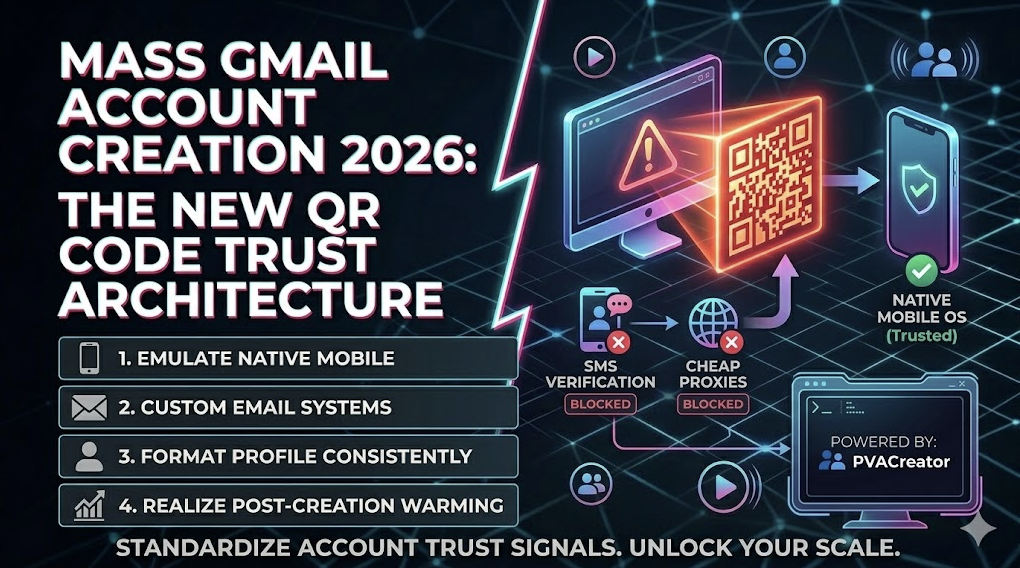
Google's QR Code in 2026
For years, Google relied on a simple mechanism to throttle bot creation: SMS verification. But SMS verification suffered from widespread carrier vulnerabilities (like SIM-swapping) and massive abuse via online virtual number pools.
To solve this, Google has heavily transitioned its security model toward Biometric and Physical Device Isolation.
Why the QR Code Appears
When you click "Create Account" on a browser, Google's system runs a real-time risk assessment on your digital footprint. If it detects a single red flag (such as an un-warmed proxy, mismatched canvas fingerprint, or repetitive browser cookies), it triggers a blockscreen:"Verify some info before creating an account."
A QR code is generated on your desktop screen. Google expects you to use a physical smartphone camera to scan it, forcing a redirect through a native mobile operating system to prove physical human presence. If you don't have a camera or a trusted mobile device ready to link, you are stuck in an un-bypassable verification loop.
Signals of Google's 2026 Registration Engine
To beat the system, you have to understand what it's measuring. Google analyzes three main pillars during registration:
| Signal Layer | What Google Checks | The Automated Bottleneck |
| Device Fingerprinting | WebGL, Canvas API, audio context, and font enumeration. | Standard browsers leak "identical footprints" when generating bulk profiles. |
| Network Reputation | Proxy type (Datacenter vs. Residential), IP history, and subnet neighbor health. | Cheap VPNs or flag-heavy data centers trigger immediate QR prompts. |
| Environment Trust | Native Mobile Signal vs. Desktop emulation. | Google heavily prioritizes accounts initiated through native Android/iOS application structures. |
The Advanced Scaling Layer: Automating & Standardizing with PVACreator
When managing high-volume setups, setting up accounts manually across different devices is the bottleneck. Marketers need automated standardization that plays strictly by Google's new rules.
This is where an advanced scaling solution like PVACreator becomes essential. It doesn't just automate clicks—it standardizes account trust signals at scale.
[Raw Identity Data] ➔ [PVACreator Structuring Layer] ➔ [Clean Fingerprint + API Isolation] ➔ [High-Trust Gmail Creation]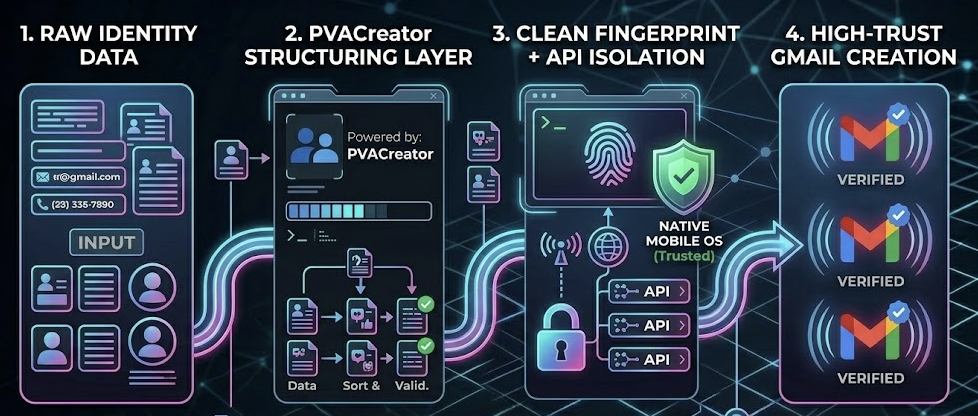
How to Structure Bulk Creation Safely in 2026:
Emulate the Native Mobile Environment: The cleanest workarounds to skip the desktop QR code requirement involve routing registrations through mobile signals. Registering via mobile app endpoints (like the Gmail app or YouTube app framework) utilizes a less strict verification matrix than web-based desktop sign-ups.
Integrate Custom Email Routing Systems: When structuring bulk accounts, do not use identical recovery details across profiles. PVACreator allows you to map unique custom emails to every individual account, completely isolating your assets.
Format and Clean Profiles Uniformly: To avoid sounding alarms in Google’s behavior pattern analyzers, your accounts need realistic naming structures, randomized birthday parameters, and consistent formatting across usernames.
The 2026 Post-Creation Framework: Account Warming
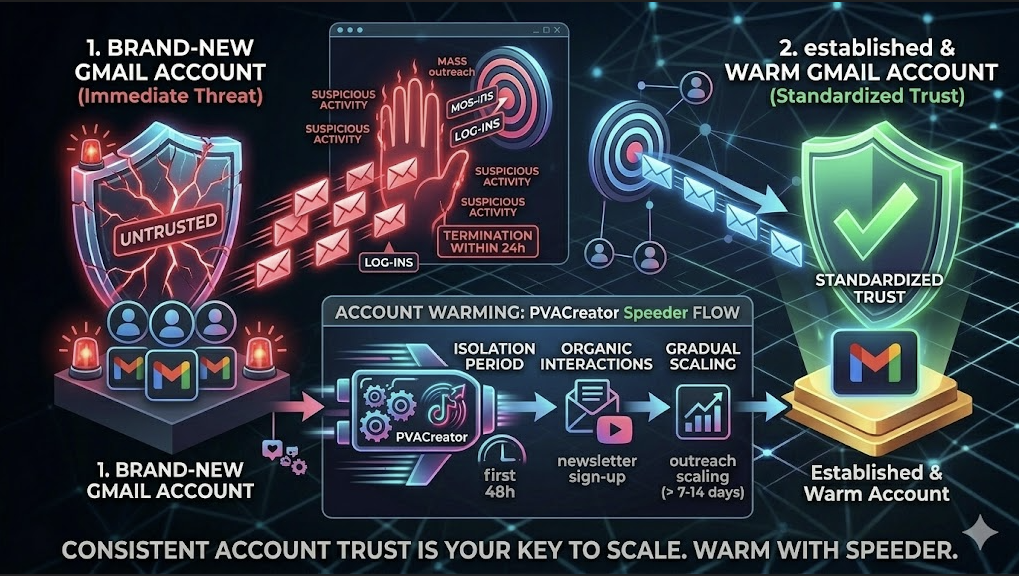
Creation is only 50% of the equation. In 2026, an account created yesterday is handled completely differently by anti-spam filters than an established one. If you immediately launch a high-volume cold email campaign or mass-login system on a brand-new Gmail account, Google will flag it for "suspicious activity" and terminate it within 24 hours.
The 3-Step Warming Blueprint:
The Cold Start: Keep the account completely isolated inside its unique proxy environment for the first 48 hours. Do not blast emails.
Organic Interactions: Log into the account and perform human-like actions. Open Google Drive, sign up for a benign newsletter, or watch a YouTube video. This trains Google’s algorithm to categorize your digital footprint as a "normal user profile."
Gradual Scaling: Slowly scale up any outreach or platform management features over a period of 7 to 14 days.
Conclusion
Mass account infrastructure in 2026 is no longer about finding a quick "hack" or a simple macro script. It is a strict system game.
Google’s QR code updates are incredibly effective at destroying unorganized, un-standardized bots. To scale successfully, you must implement a robust setup layer—combining clean, non-interlinked residential proxies with a sophisticated management tool like PVACreator to automate identities correctly from the ground up.
Once your account trust signals are standardized at scale, your infrastructure stays live, and your digital marketing performance becomes entirely predictable.